
Posted inUncategorized
Stefano Aldrovandi: Where Italian Craftsmanship Meets the Digital Felt
In the crowded, often sterile world of online gaming, finding a platform that feels genuinely personal is a…




































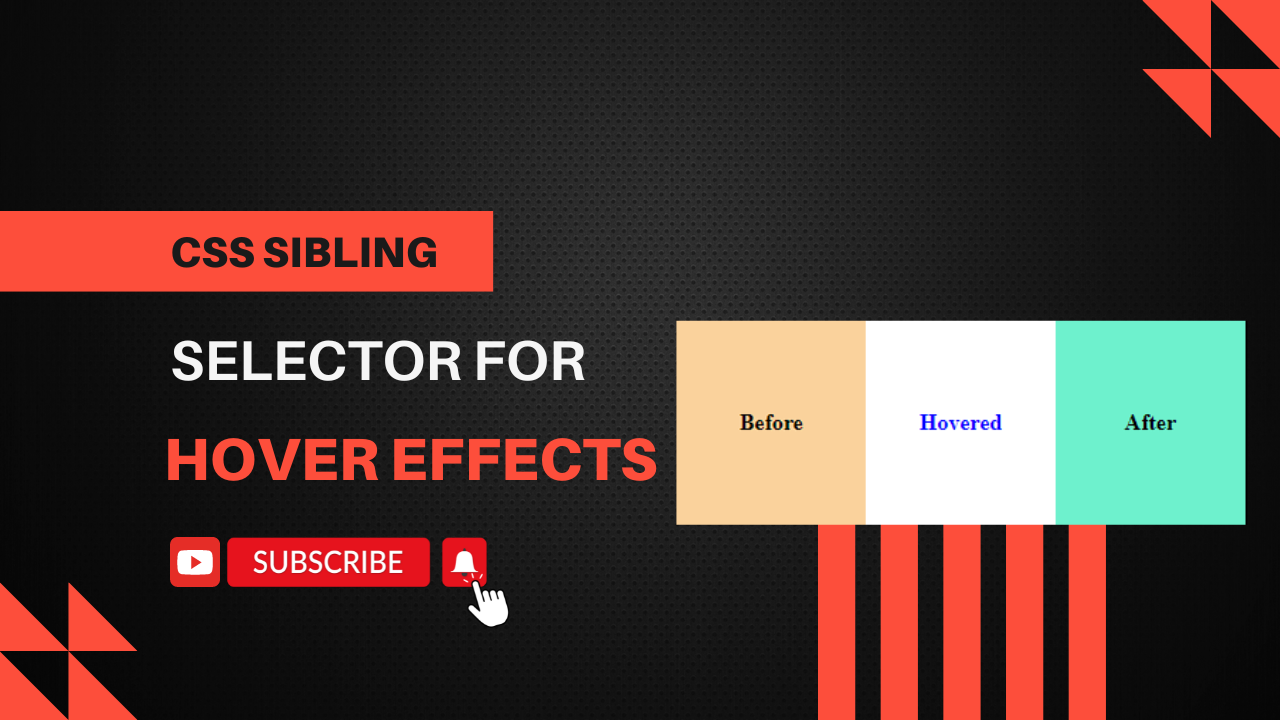
The sibling selector in CSS allows you to apply styles to an element when a sibling element is hovered. For instance, if you want to change the style of a paragraph when its preceding element is hovered, you can use the ~ (general sibling combinator). Step 1: HTML Create an HTML file and add the…
Creating a loader using HTML and CSS is a straightforward process. Here’s a simple example of a CSS spinner loader: Step 1: HTML Create an HTML file and add the following code: Step 2: CSS Create a styles.css file and add the following code: Explanation Usage Simply open the HTML file in a browser to…

Creating login and registration functionality in Laravel 9 can be done quickly using laravel/ui package, a simple and minimal authentication package provided by Laravel. Here are the steps to set up login and registration: Step 1: Set Up Laravel Project Ensure you have a Laravel 9 project set up. If not, create one using the following…

How to Install Laravel 9 Locally Today, I am going to explain how you can install Laravel 9 on your local machine. Laravel Installation Guide Laravel has a comprehensive installation guide documented here. Below, I’ll summarize the key steps for you. Technical Requirements Before you begin, make sure you have the following installed on your…
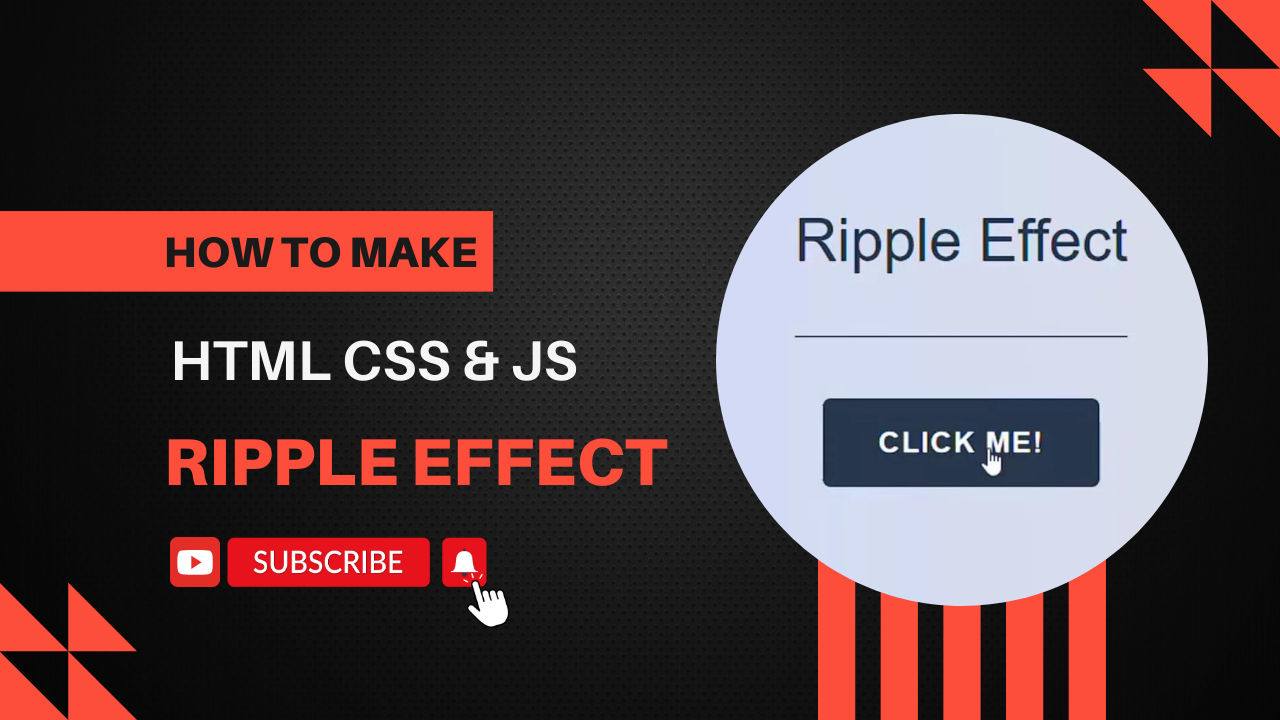
Creating a ripple effect is a common way to provide visual feedback for user interactions, especially in button elements. You can achieve this using HTML, CSS, and JavaScript. HTML: The HTML file contains a single button element with the class ripple. CSS: The button has position: relative and overflow: hidden to contain the ripple effect…


