-
Fancy menu hover effects

Creating fancy menu hover effects with CSS can make your website more visually appealing and interactive. Here are a few examples of different hover effects you can implement on a navigation menu. HTML: Create an HTML file and add the following code: CSS: Create a styles.css file and add the following code: Happy coding!
-
CSS3 – Animated Butterfly Wings

Creating an animated butterfly with flapping wings using CSS3 involves using keyframe animations and transforming elements. Here’s an example to get you started: HTML: Create an HTML file and add the following code: CSS: Create a styles.css file and add the following code: You can adjust the animation duration, keyframes, and other properties to achieve the desired…
-
All Named CSS Colors

You can use all named CSS colors in your projects by defining them in CSS or by using them in JavaScript. Below is an example that demonstrates how to apply named CSS colors to elements using both CSS and JavaScript. HTML: Create an HTML file and add the following code: CSS: Create a styles.css file and add…
-
3D Social Media Animated Buttons

Creating 3D animated social media buttons using CSS can make your website more interactive and visually appealing. Below is an example of how you can create such buttons with hover effects for popular social media platforms. In this tutorial, you’ll learn how to create stylish 3D animated social media buttons using CSS. These buttons will…
-
Caption Hover Animation

Creating a caption hover animation for an image is a common web design task that can be achieved using HTML and CSS. HTML: First, create a basic HTML structure with an image and a caption: CSS: Next, style the image and caption. The caption will be hidden by default and appear with an animation when…
-
How to create an engaging button hover effect using CSS

In this tutorial, you’ll learn how to create an engaging button hover effect using CSS. This effect will change the button’s background color, text color, and add a subtle box-shadow when the user hovers over it. Such interactive elements can significantly improve the aesthetics and usability of your web pages. Creating a button hover effect…
-
Text Hover Rainbow Color

In this tutorial, you’ll learn how to create an eye-catching rainbow text effect using only CSS. This effect makes use of linear gradients to apply a rainbow color scheme to the text and adds a smooth transition for a striking hover effect. Additionally, a colorful underline is added to enhance the visual appeal. Follow along…
-
Loader in HTML & CSS
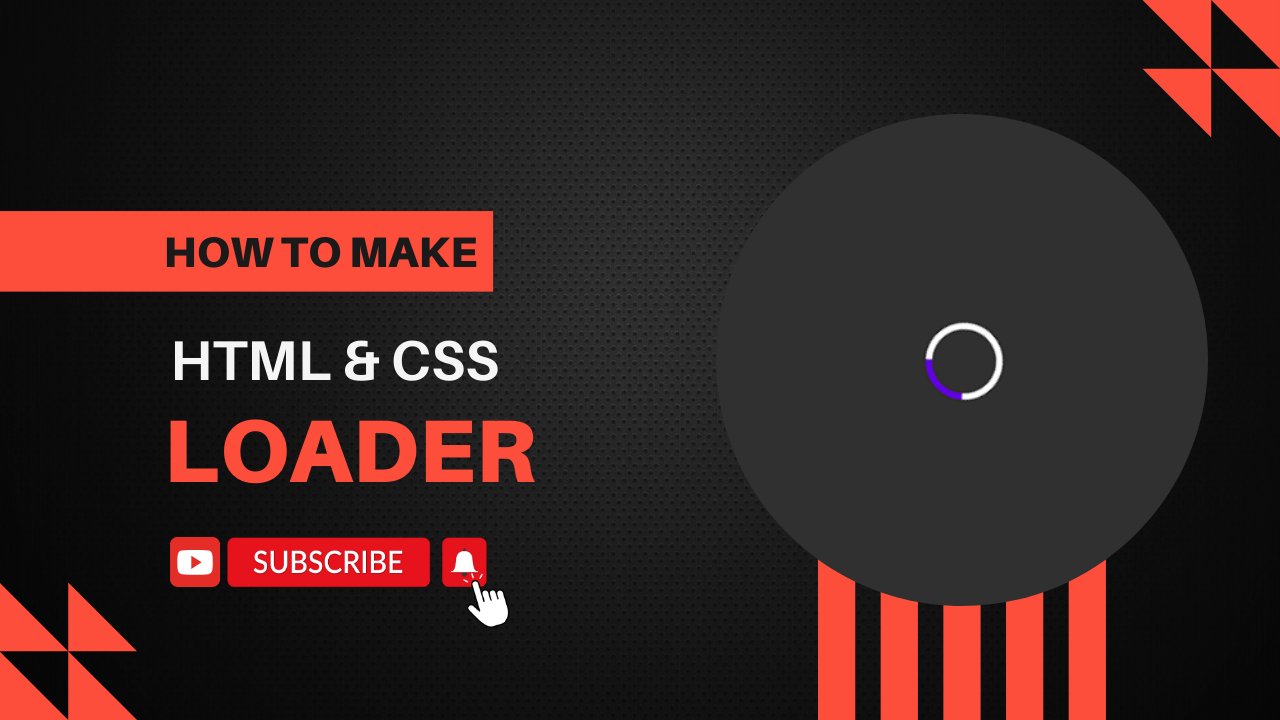
Creating a loader using HTML and CSS is a straightforward process. Here’s a simple example of a CSS spinner loader: Step 1: HTML Create an HTML file and add the following code: Step 2: CSS Create a styles.css file and add the following code: Explanation Usage Simply open the HTML file in a browser to…
-
How to make login and register in Laravel 9

Creating login and registration functionality in Laravel 9 can be done quickly using laravel/ui package, a simple and minimal authentication package provided by Laravel. Here are the steps to set up login and registration: Step 1: Set Up Laravel Project Ensure you have a Laravel 9 project set up. If not, create one using the following…