
-
How to Create a Responsive Service Section with HTML & CSS (Step-by-Step)
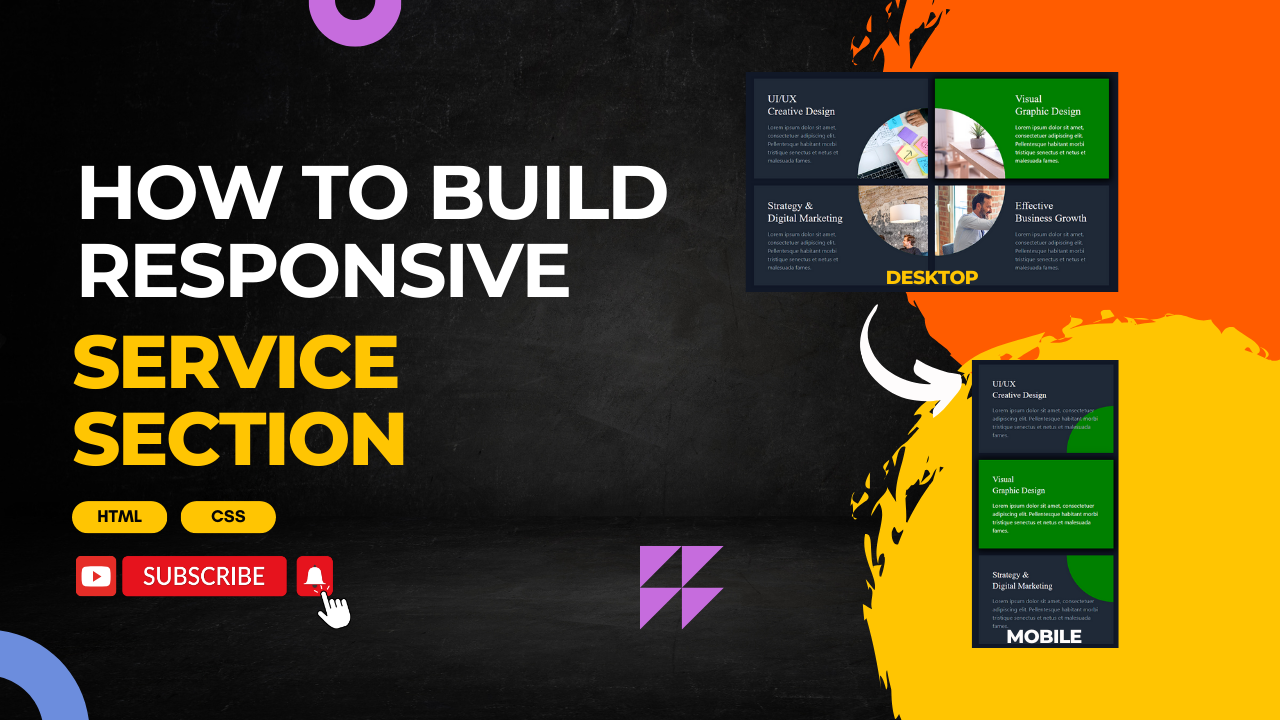
Learn how to create a stunning and responsive service section for your website using HTML and CSS. Perfect for beginners and web designers looking to enhance their skills. Follow along as we guide you step-by-step to build a modern design that looks great on all devices. 📌 Key Features: Don’t forget to like, share, and…
-
Build a Mood Quiz with HTML, CSS, and JavaScript!
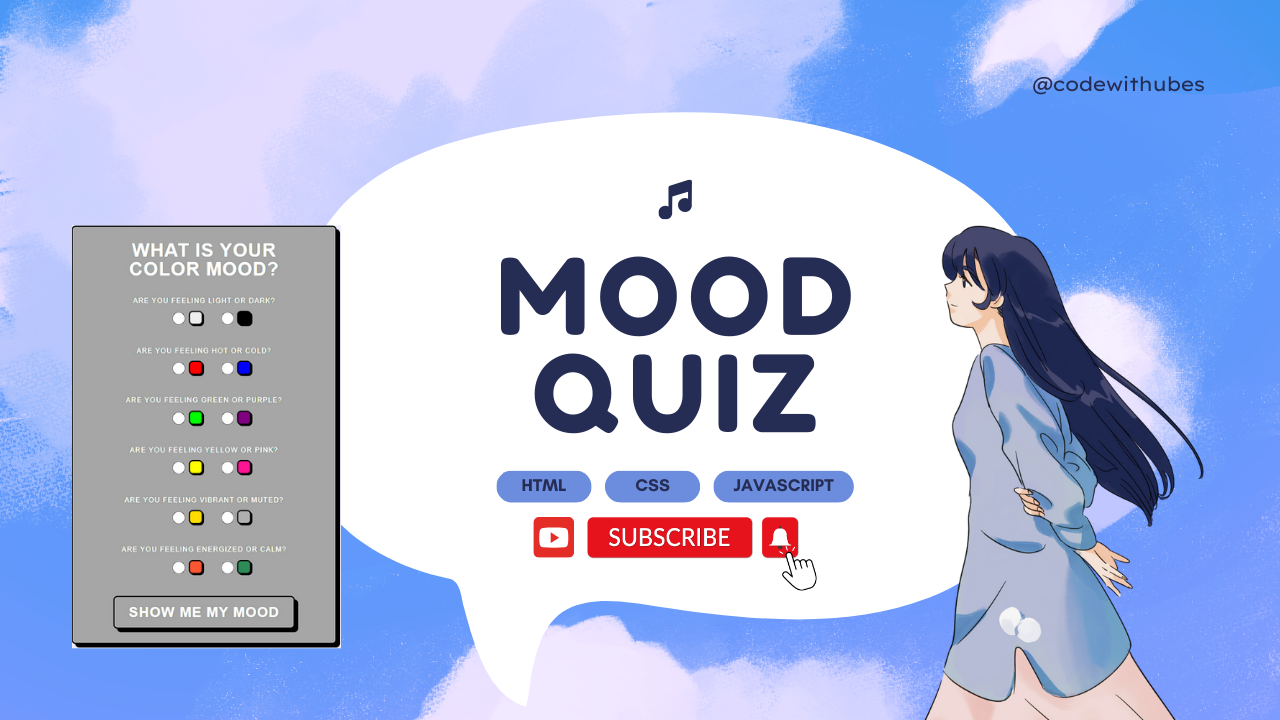
In this video, I’ll guide you through creating a simple mood quiz using HTML, CSS, and JavaScript. This project is perfect for beginners who want to learn how to build interactive quizzes on the web. You’ll learn how to structure your quiz with HTML, style it with CSS, and bring it to life with JavaScript.…
-
Create a Janmashtami Dahi Handi Animation using HTML, CSS, and JavaScript
Join us in celebrating Janmashtami, the joyous festival that marks the birth of Lord Krishna! This video captures the vibrant festivities, devotional songs, and traditional rituals associated with this auspicious day. Whether you’re participating in the lively Dahi Handi event, enjoying a spiritual Bhajan session, or simply reflecting on Lord Krishna’s teachings, Janmashtami is a…
-
Get a Free E-Commerce Template for Your Website!

Looking to create an online store? Download this free basic e-commerce template that is perfect for small businesses, startups, or anyone looking to sell products online. The template is fully responsive, easy to customize, and designed to help you get your store up and running quickly. Whether you’re selling physical products, digital goods, or services,…
-
Halloween “Creep” Effect: Blurred Text with Hover Animation using CSS
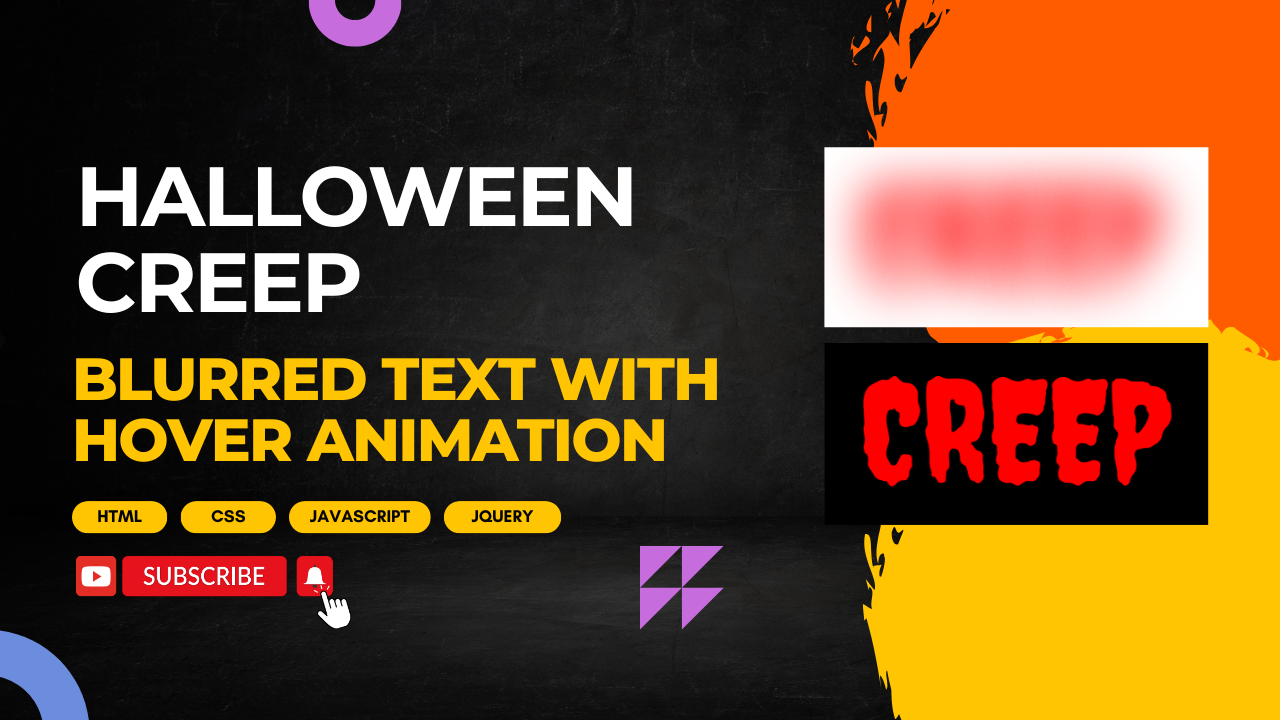
Get into the spooky spirit with our Halloween-themed CSS tutorial! In this video, we’ll show you how to create a creepy, blurred text effect that transforms when you hover over it. Perfect for adding a touch of eerie elegance to your Halloween website or project. We’ll cover: By the end of this tutorial, you’ll have…
-
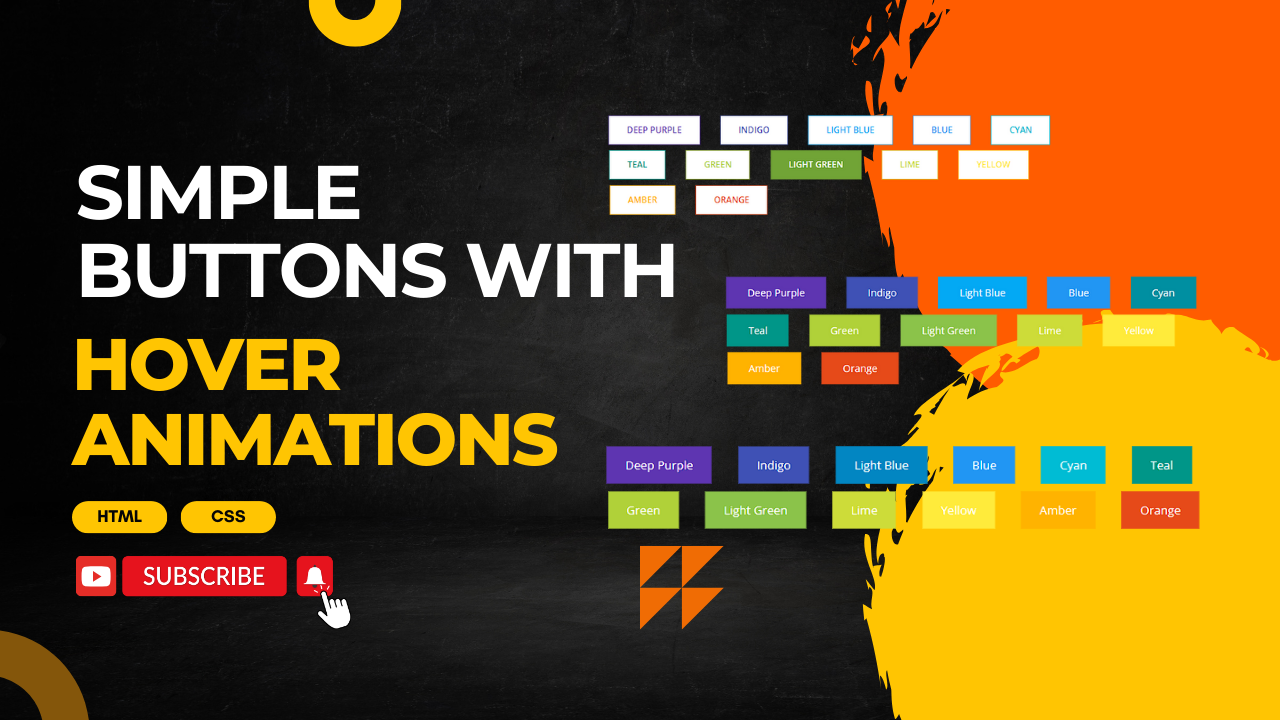
Simple Buttons with Hover animations
-
Simple CSS Hover Animation
In this tutorial, we’ll walk you through creating a simple yet effective hover animation using CSS. Whether you’re a beginner or looking to enhance your web design skills, this video will guide you through the steps to add interactive and engaging hover effects to your website. We’ll cover: By the end of this tutorial, you’ll…
-
Fancy menu hover effects
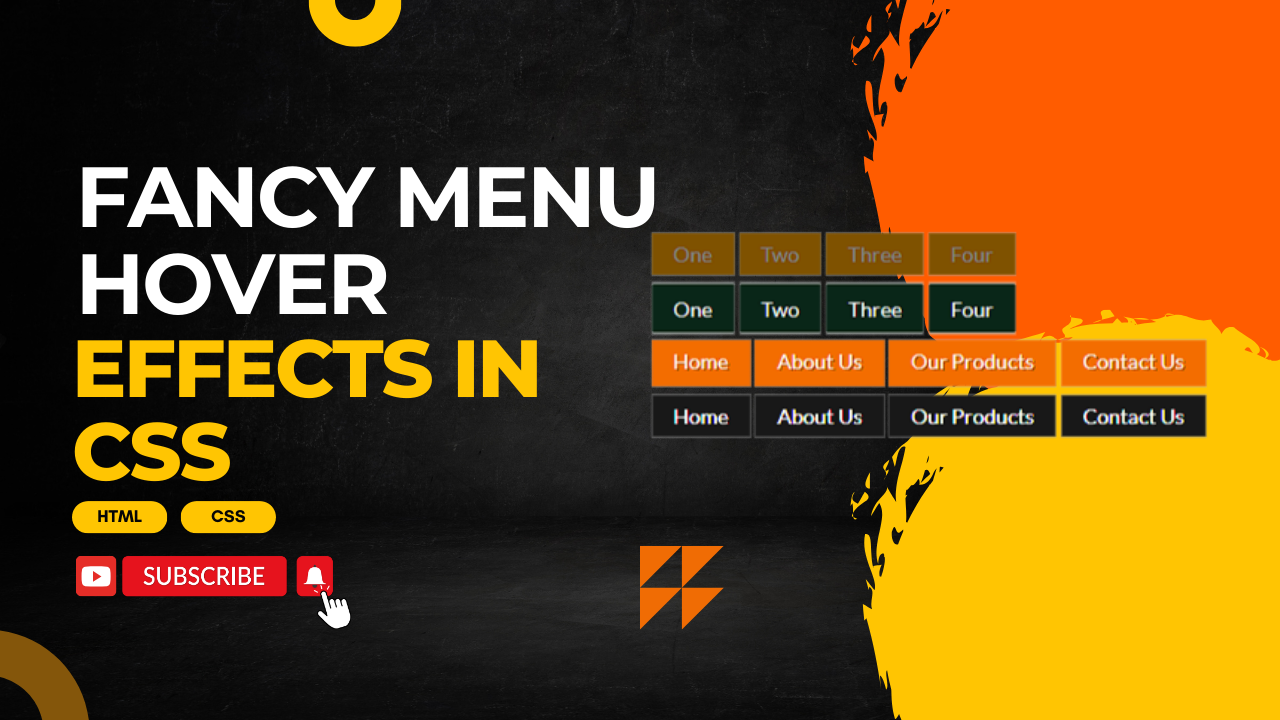
Creating fancy menu hover effects with CSS can make your website more visually appealing and interactive. Here are a few examples of different hover effects you can implement on a navigation menu. HTML: Create an HTML file and add the following code: CSS: Create a styles.css file and add the following code: Happy coding!
-
CSS3 – Animated Butterfly Wings
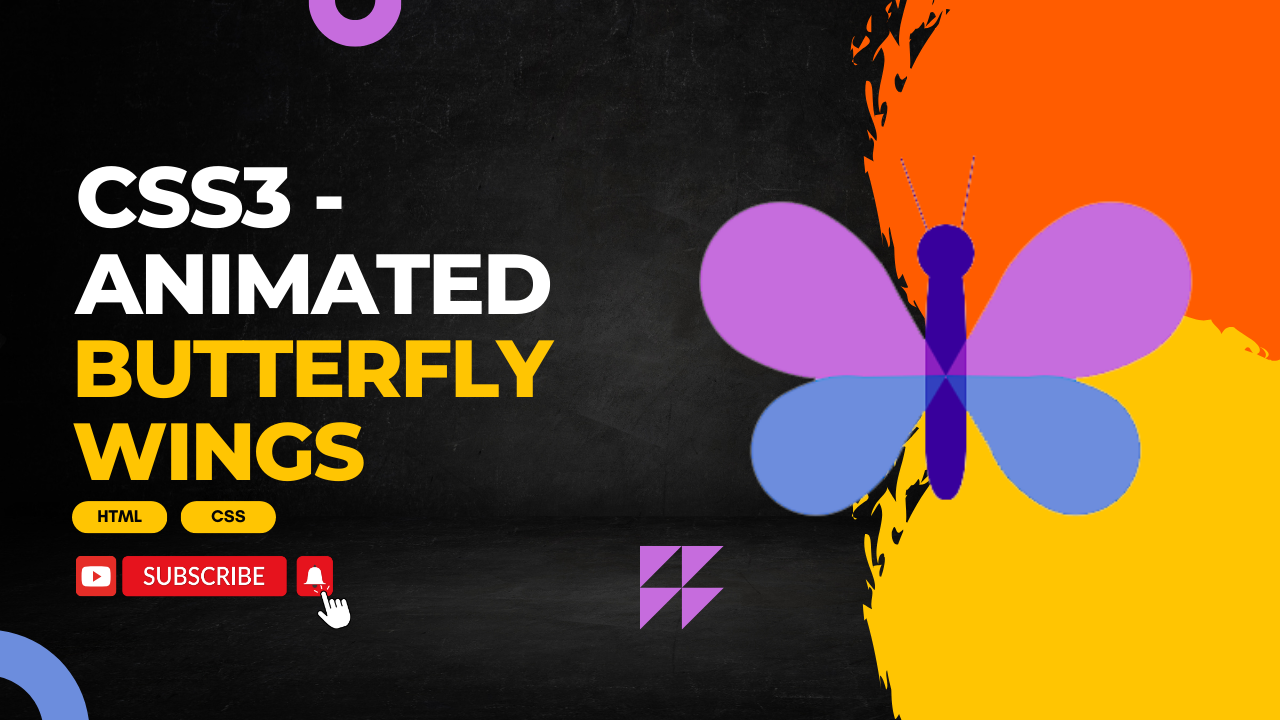
Creating an animated butterfly with flapping wings using CSS3 involves using keyframe animations and transforming elements. Here’s an example to get you started: HTML: Create an HTML file and add the following code: CSS: Create a styles.css file and add the following code: You can adjust the animation duration, keyframes, and other properties to achieve the desired…
-
All Named CSS Colors
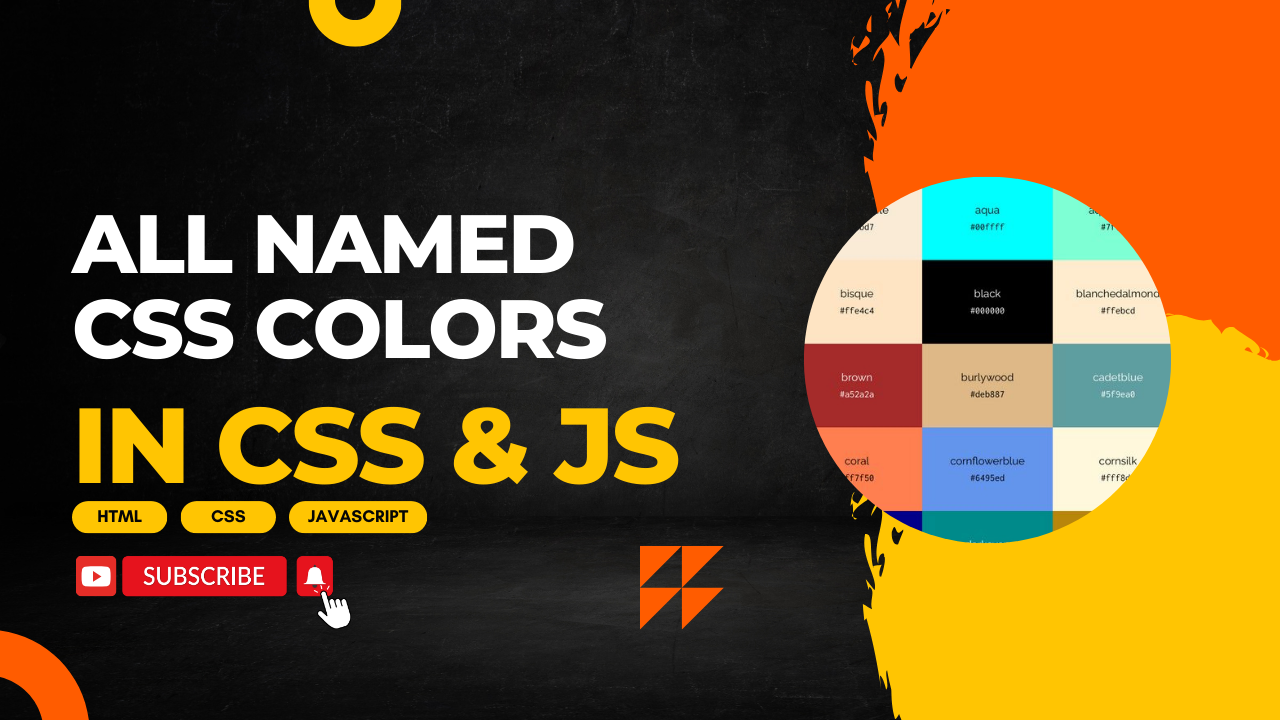
You can use all named CSS colors in your projects by defining them in CSS or by using them in JavaScript. Below is an example that demonstrates how to apply named CSS colors to elements using both CSS and JavaScript. HTML: Create an HTML file and add the following code: CSS: Create a styles.css file and add…