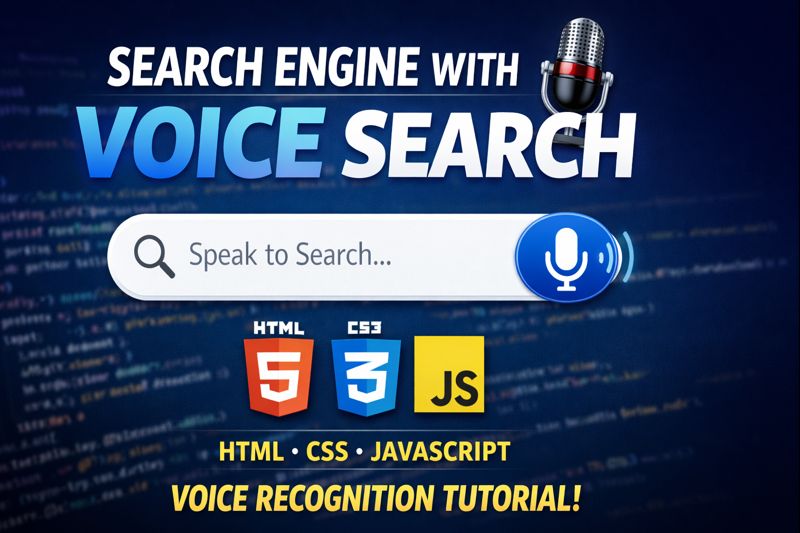

In this tutorial, you’ll learn how to create a modern search engine with microphone (voice search) using HTML & CSS.
We’ll use the Web Speech API to capture voice input and convert it into text for searching.
This project is perfect for beginners and frontend developers who want to add voice recognition features to their websites.
🔥 What you’ll learn:
- Voice search using microphone in HTML & CSS design
- Web Speech API implementation
- Responsive search UI with HTML & CSS
- Real-time speech-to-text search
💡 Great mini project for portfolios and interviews!
👍 Like, Share & Subscribe for more web development tutorials!
HTML:
Create a HTML file and add the following code:
<div class="search-engine">
  <div class="inner">
    <button class="material-symbols-outlined" aria-hidden="true">add</button>
    <input placeholder="Search now"></input>
    <button class="material-symbols-outlined" aria-hidden="true">mic</button>
  </div>
  <div class="border"></div>
</div>
CSS:
Create a CSS file and add the following code:
@property --rotation {
  syntax: '<angle>';
  inherits: false;
  initial-value: 0deg;
}

.search-engine {
  --border-size: 4px;
  --gradient: conic-gradient(from var(--rotation) at 52% 49% in oklab, oklch(0.63 0.2 251.22) 27%, oklch(0.67 0.21 25.81) 33%, oklch(0.9 0.19 93.93) 41%, oklch(0.79 0.25 150.49) 49%, oklch(0.63 0.2 251.22) 65%, oklch(0.72 0.21 150.89) 93%, oklch(0.63 0.2 251.22));
  animation: rotate 5s infinite linear;
  border-radius: 4rem;
  background: none;
  position: relative;
  padding: 0;
  border: 4px solid lightgray;

  &::after {
    content: '';
    position: absolute;
    display: block;
    width: 100%;
    height: 100%;
    background: var(--gradient);
    top: 50%;
    left: 50%;
    translate: -50% -50%;
    z-index: -1;
    animation: rotate 5s infinite linear;
    filter: blur(15px);
  }

  .inner {
    background: light-dark(white, #1a1c1e);
    color: light-dark(#222, hsl(210, 8%, 66%));
    display: inline;
    padding: 1rem 0.5rem;
    position: relative;
    z-index: 2;
    border-radius: inherit;
    display: grid;
    grid-template-columns: 1fr 250px 1fr;
    align-items: center;
    gap: 1rem;
    font-family: system-ui;
  }

  .border {
    position: absolute;
    inset: calc(var(--border-size) * -1);
    mask: linear-gradient(white);
    border-radius: inherit;
    overflow: hidden;

    &::after {
      content: '';
      position: absolute;
      width: 100%;
      height: 100%;
      background: var(--gradient);
      top: 50%;
      left: 50%;
      translate: -50% -50%;
      z-index: -1;
      filter: blur(5px);
    }
  }

  button,
  input {
    color: light-dark(#222, hsl(210, 8%, 66%));
    background: none;
    border: none;
  }

  input {
    font-size: 1rem;
    font-family: system-ui;
    font-weight: 300;

    &:focus {
      outline: none;
    }

    &:not(:placeholder-shown) {
      color: light-dark(black, white);
    }
  }
}

@keyframes rotate {
  to {
    --rotation: 360deg;
  }
}

html {
  display: grid;
  height: 100dvh;
  padding: 0;
  margin: 0;
  place-content: center;
  color-scheme: light dark;
  background: light-dark(#f5f5f5, black);
}
Script:
<link rel="stylesheet" href="https://fonts.googleapis.com/css2?family=Material+Symbols+Outlined:opsz,wght,FILL,GRAD@20..48,100..700,0..1,-50..200&icon_names=add,mic" />html #css #javascript #voicesearch #speechrecognition #webspeechapi #frontend #webdevelopment #uiproject #miniproject
Happy coding!